Installation Guide
📦 Installation Guide Included
Every CarPlay module order comes with a detailed installation guide inside the box.
The guide walks you through the full installation process step-by-step, including all necessary connections and configuration settings specific to your vehicle.
Installation typically takes 1–2 hours with basic tools and no cutting or splicing required.
⚠️ Professional Installation Strongly Recommended
While DIY installation is possible, we strongly recommend having the module installed by a professional automotive technician.
🔧 Attempting a DIY Installation?
First, search YouTube for videos showing how the CarPlay module is installed in your specific year, make, and model vehicle, and watch multiple videos before proceeding. After watching the videos and double-checking all your connections, if you still need help, you may then email us directly at support@apexmodule.com.
Full Installation Tutorials
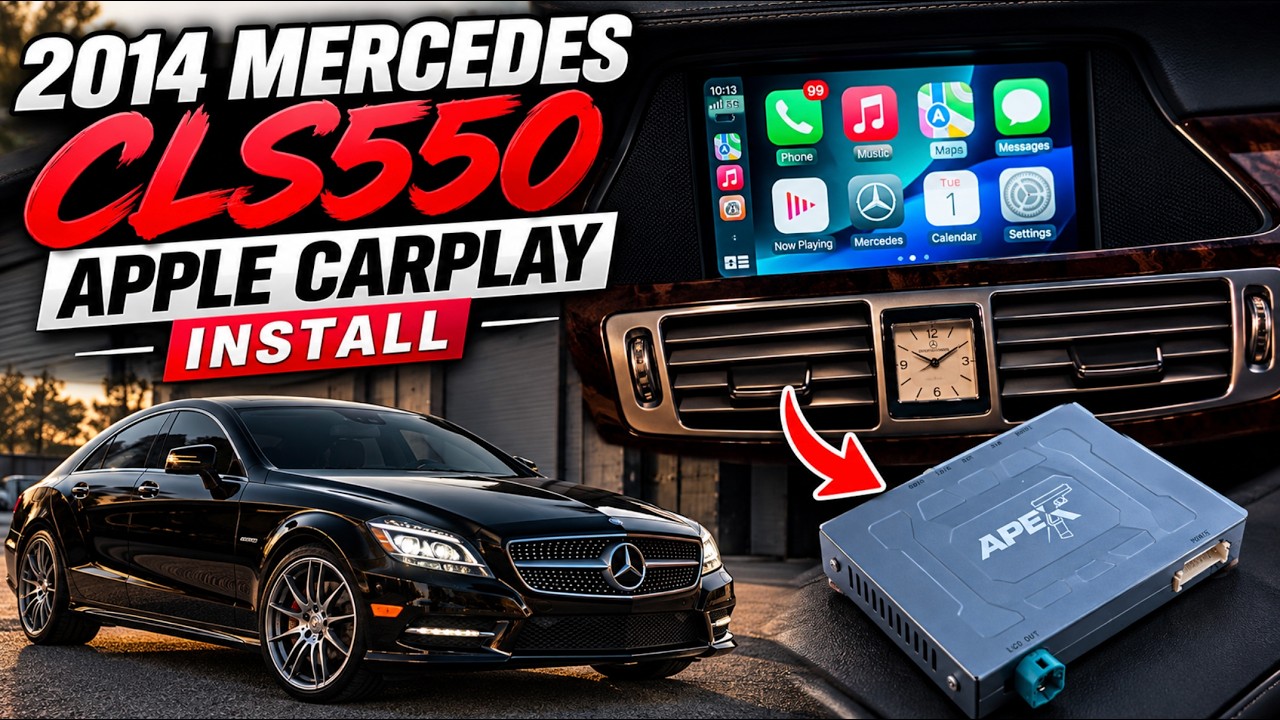
Installing Apple CarPlay in My 2014 Mercedes CLS550 | OEM+ Apex Module
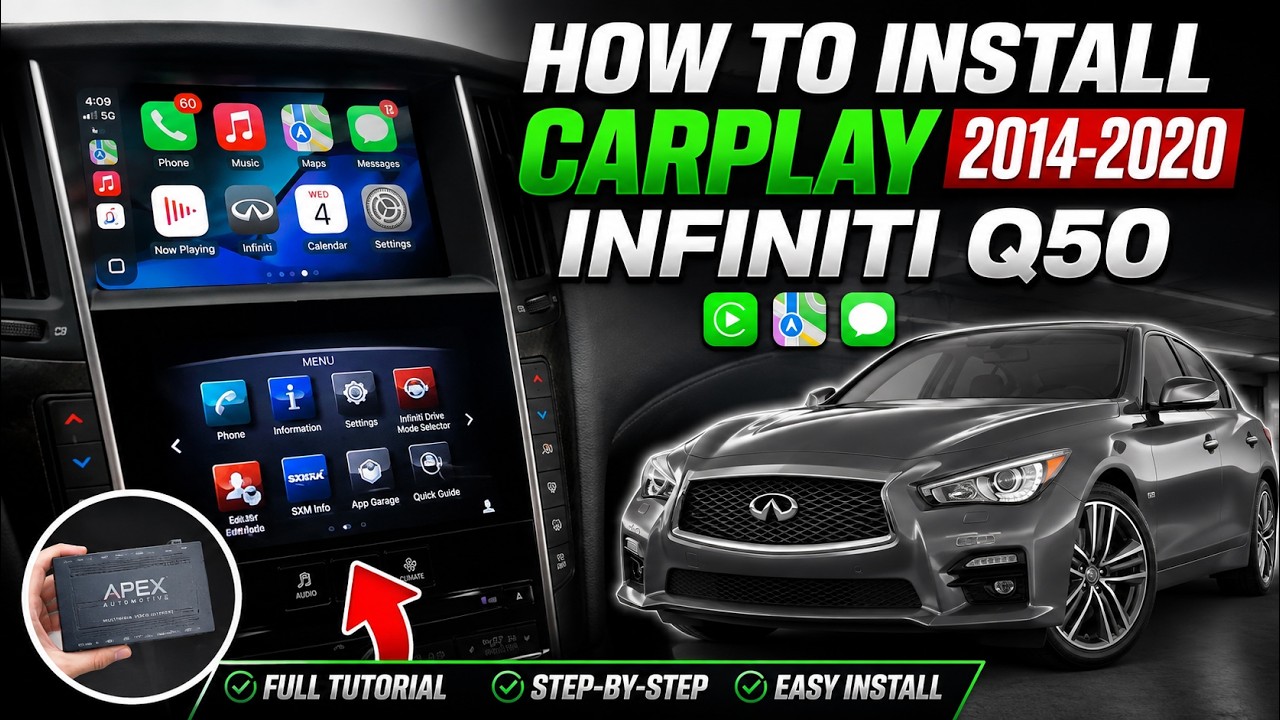
How to ADD Apex CarPlay to 2014-2020 Infiniti Q50 - Full Step by Step Tutorial
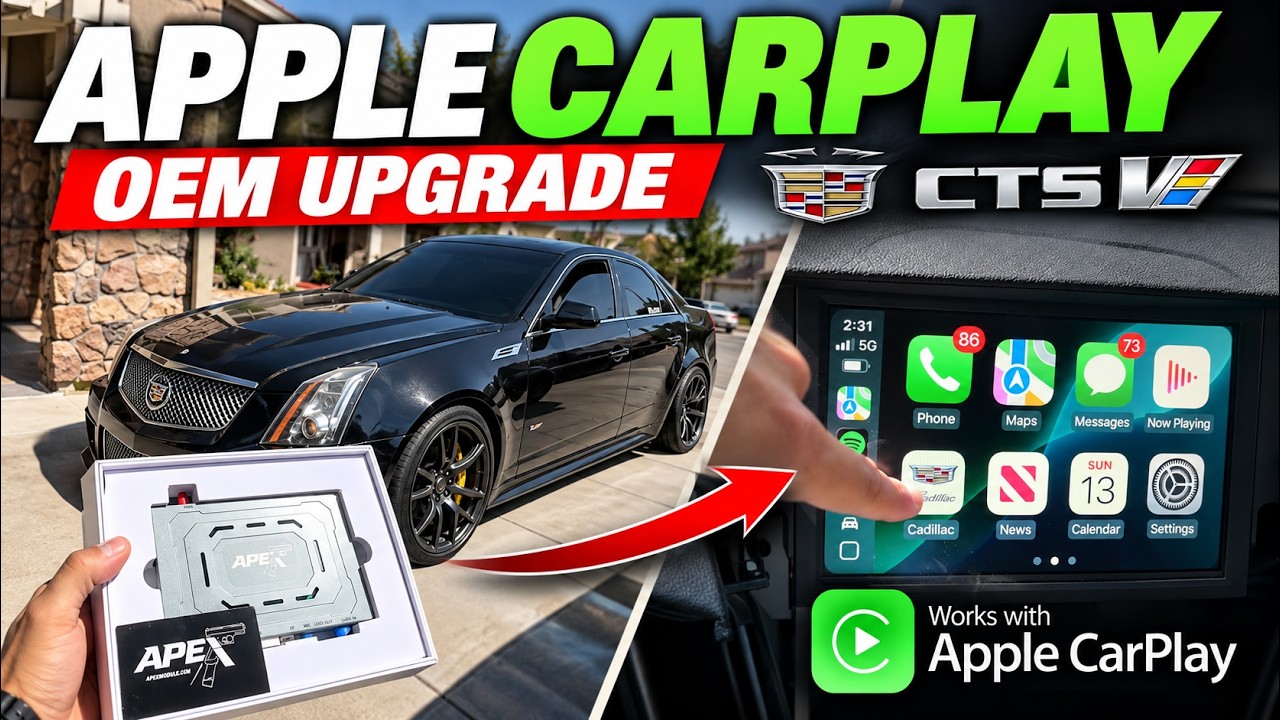
How to Add Apex Module CarPlay to Cadillac CTS-V | OEM Upgrade
How to install Apex Module CarPlay in 2015 Mercedes S550 W222
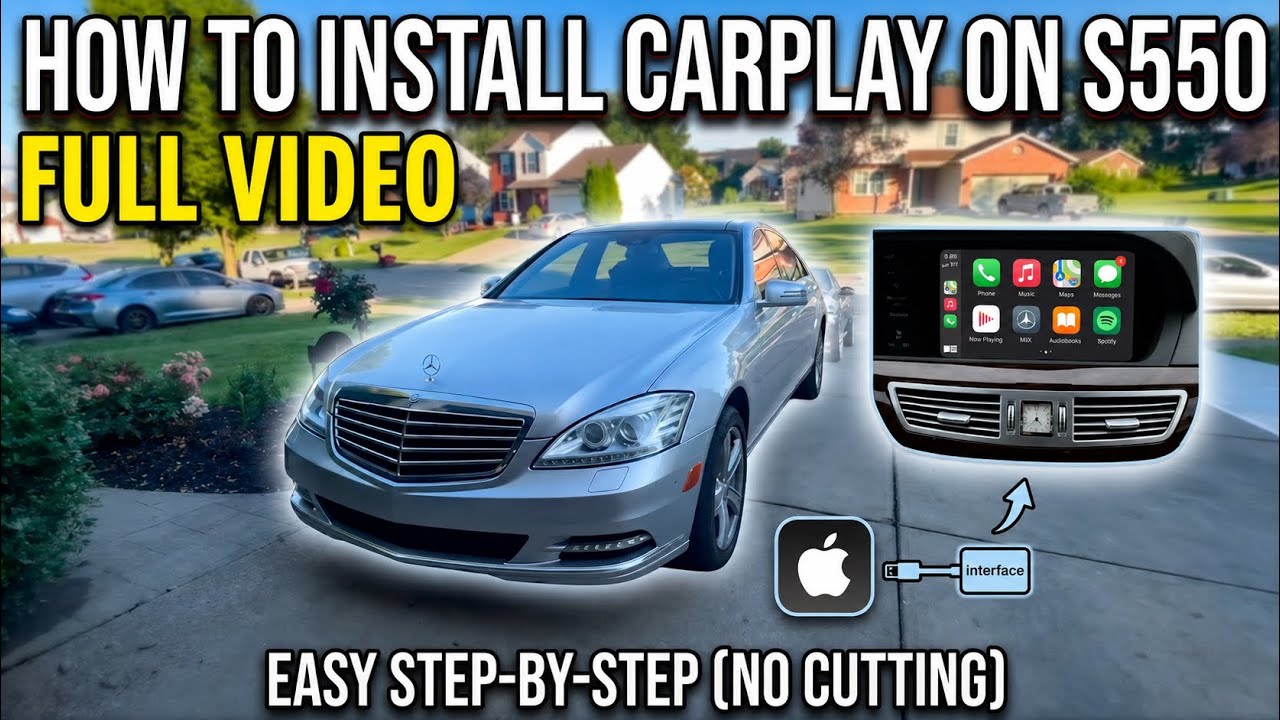
How To Fully Install Apex CarPlay Installation 2011 Mercedes-Benz S550 W221 Guide & Tutorial
🔧 Technical Help & Installation
Professional installation is highly recommended, but DIY install is certainly possible.
IF you are attempting a DIY installation: FIRST, please search YouTube for videos showing how the CarPlay module is installed in your specific year, make, and model vehicle, and watch multiple videos before proceeding. After watching the videos and double-checking all your connections, if you still need help, you may then email us directly at support@apexmodule.com.
IMPORTANT: You MUST include a detailed video showing:
• How you installed the module and where each wire is connected
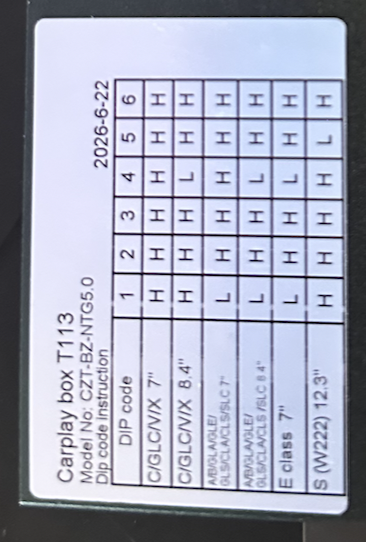
• That the DIP settings have been properly configured (the small white switches on the side of the box — refer to the grey chart printed on the module itself to set them correctly for your screen size)
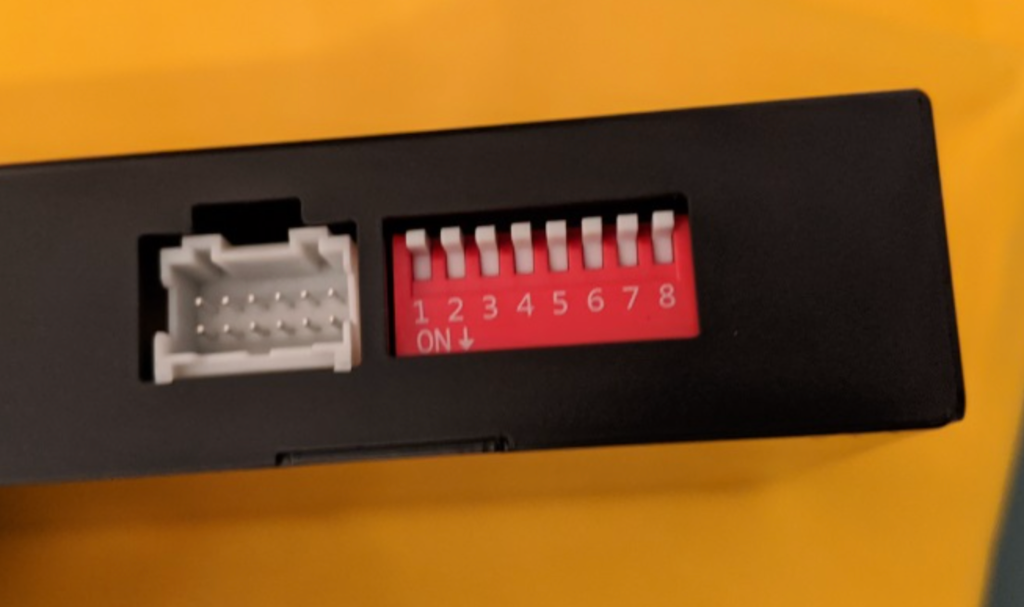
DIP code reference chart — match your vehicle and screen size to the H/L settings below:
If a clear video is NOT provided, we cannot assist you.
🔊 No sound? / No audio?
You must be connected to your car's OEM Bluetooth for audio to work. Our modules use your car's OEM Bluetooth so you keep your factory audio quality.
When playing music, make sure your phone's Bluetooth is not connected to the CarPlay module — instead, connect it to your car's OEM Bluetooth or AUX (the way you normally do for sound while driving) for audio output to work.
⚠️ Most common issues: clients forget to set the DIP switches on the APEX Module, and/or forget to connect the WiFi antenna (it goes over the red cap on the module and must be connected). Everything that comes in the kit must be connected for it to work correctly. Please double-check these before reaching out.